
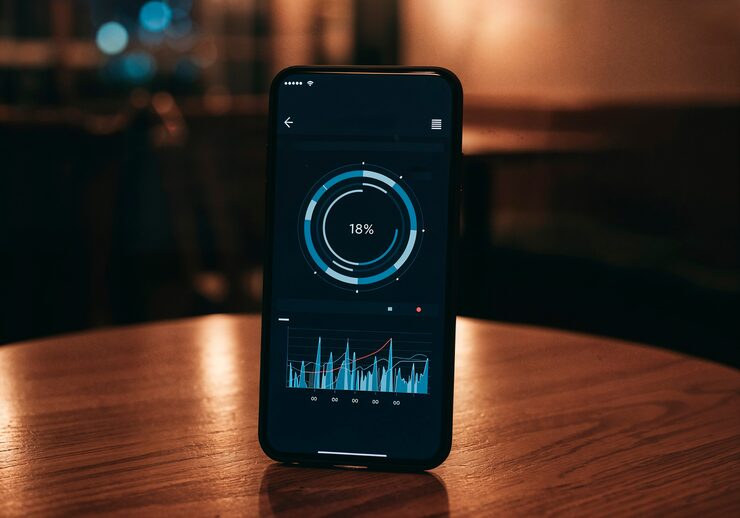
If you’ve ever wondered whether the noise around you is actually harmful, a noise meter app can give you a quick, reliable answer without buying a dedicated device. These apps use your phone’s built-in microphone to estimate decibel (dB) levels in real time, which makes them handy for checking traffic noise outside your window, monitoring workplace sound exposure, or making sure a concert isn’t damaging your hearing. In this guide, we round up the best noise meter apps available right now, covering both free and paid options for iPhone and Android.
Decibel X is one of the most trusted names in this space and is frequently recommended by audio professionals. It offers a live dB readout, a running history graph, and calibration tools that let you fine-tune accuracy against a reference device. The app also includes helpful context, showing where your current reading sits compared to everyday sounds like a whisper, a vacuum cleaner, or a jet engine taking off. A free version is available with core functionality, while the paid tier unlocks extended logging and export features.
NIOSH Sound Level Meter, developed by the US National Institute for Occupational Safety and Health, is another standout choice, particularly for anyone concerned about workplace noise exposure. It’s completely free, ad-free, and built with scientific rigour in mind, making it a favourite among health and safety officers. The app tracks noise dose over time and warns you when cumulative exposure approaches unsafe thresholds, which is genuinely useful if you work in construction, manufacturing, or live music.
Sound Meter by Smart Tools is a solid free pick for casual, everyday use. It’s straightforward, loads quickly, and gives you an instant reading along with minimum, maximum, and average values for a session. While it won’t match the precision of a calibrated professional meter, it’s more than adequate for checking whether your neighbour’s music is genuinely excessive or for keeping tabs on nursery and bedroom noise levels for a baby.
For those who want laboratory-grade precision, SPLnFFT Noise Meter is worth the investment. It supports external calibrated microphones, offers frequency analysis through an FFT spectrum display, and lets you export detailed reports. This makes it particularly popular with acoustic consultants, students studying sound engineering, and anyone doing serious environmental noise assessments.
When choosing a noise meter app, keep in mind that built-in phone microphones aren’t calibrated to the same standard as dedicated sound level meters, so readings can vary by a few decibels depending on your device. For casual monitoring this is rarely an issue, but if you need certified measurements for legal or occupational purposes, always cross-check with a properly calibrated instrument. Most of the apps above let you apply a manual calibration offset, which closes much of that accuracy gap.
Ultimately, the right noise meter app depends on what you need it for. Casual users checking room noise or baby monitor levels will be well served by free options like Sound Meter or Decibel X’s basic tier. Health and safety professionals should lean towards NIOSH Sound Level Meter for its dose-tracking features, while acousticians and audio engineers will get the most value from SPLnFFT’s advanced analysis tools. Whichever you pick, having a noise meter app on hand is a simple way to stay aware of the sound levels affecting your health and wellbeing every day.
It’s also worth knowing roughly what different everyday dB readings mean once your app gives you a number. Normal conversation typically sits around 60 decibels, city traffic tends to hover between 70 and 85 decibels, and prolonged exposure above 85 decibels, common at concerts, in busy factories, or from loud power tools, is where hearing damage risk starts to climb significantly. Many noise meter apps display this context directly on screen, colour-coding readings from safe green through to warning red, which makes the numbers far more meaningful than a raw decibel figure on its own.
If you’re using a noise meter app to settle a genuine dispute, such as a noisy neighbour or a workplace complaint, it’s worth taking several readings across different times of day rather than a single snapshot, and noting the exact time, location, and circumstances alongside each reading. While phone-based readings generally aren’t accepted as formal evidence in legal proceedings due to microphone variability, a consistent log of readings can still be useful supporting context when raising a complaint with a landlord, local council noise team, or workplace health and safety representative.